Project 17 · John Dev
Server Management
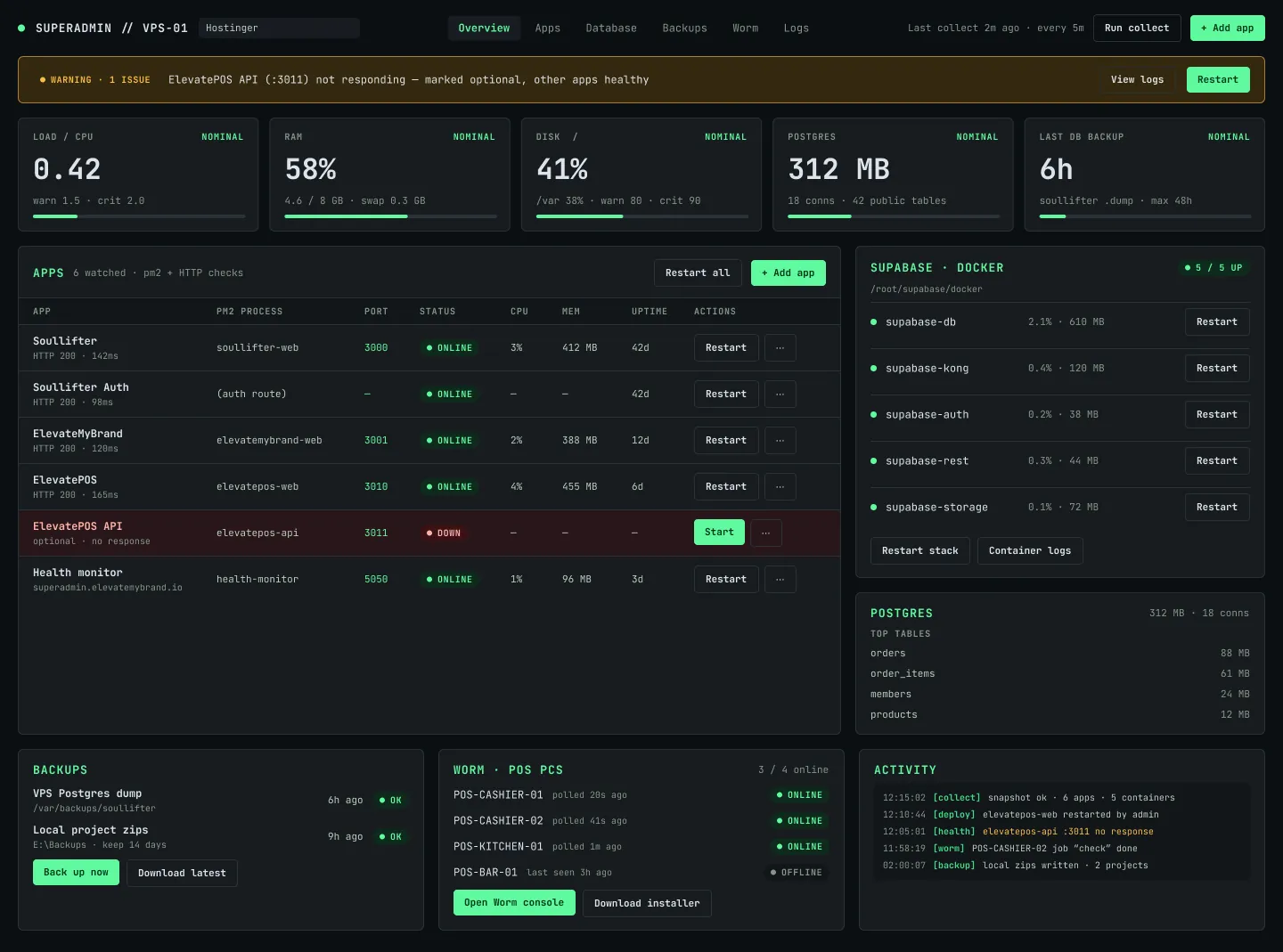
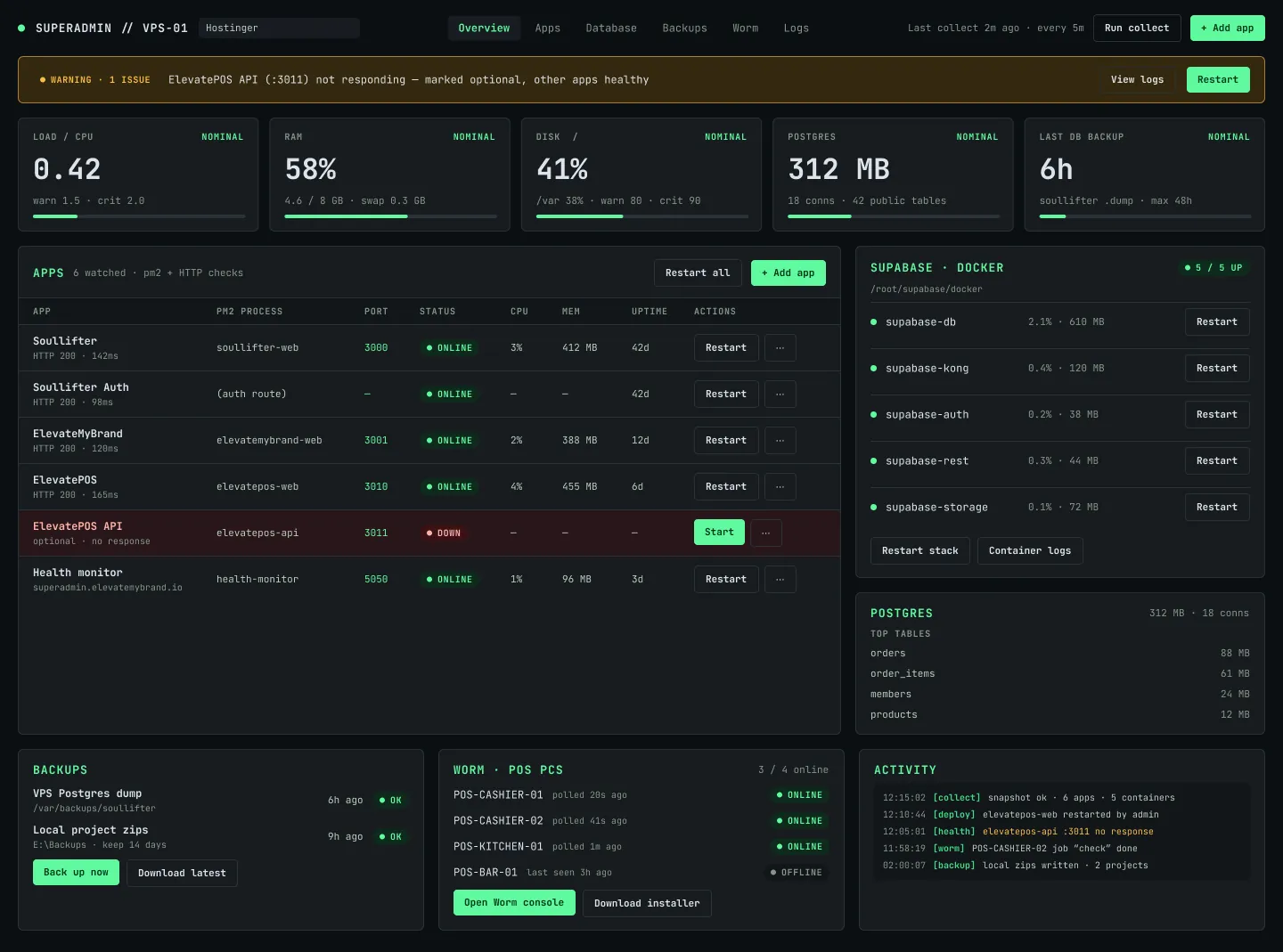
One superadmin panel to watch the VPS and every app running on it, and to add a new app from the same screen.
01 / The problem
Apps on a VPS are managed from the terminal and from memory.
Checking what runs, how much room is left and how to add one more app means logging in and guessing.
02 / How it helps
The whole server, on one screen.
One overview
The VPS and every app on it at a glance.
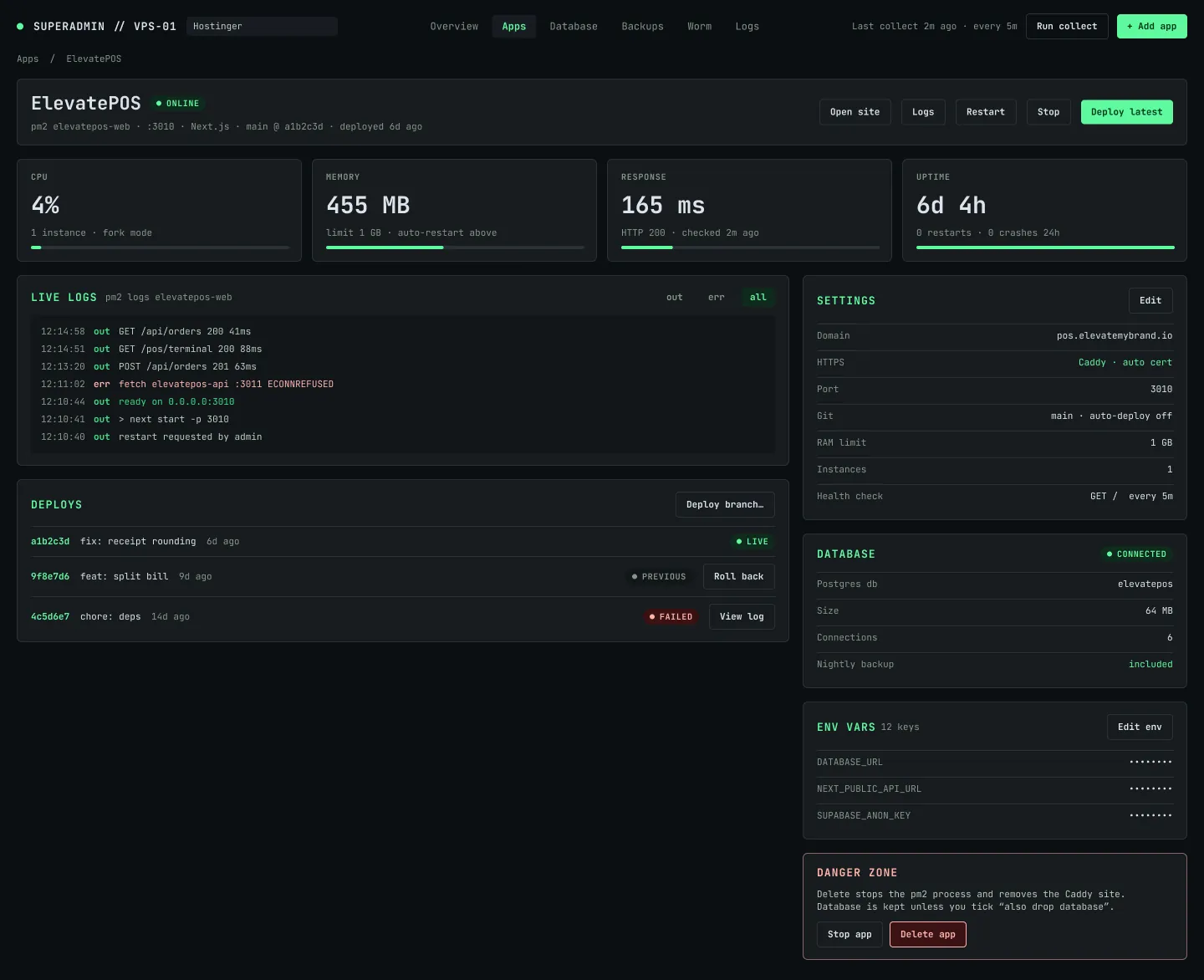
App detail
Status and details for each app, such as ElevatePOS.
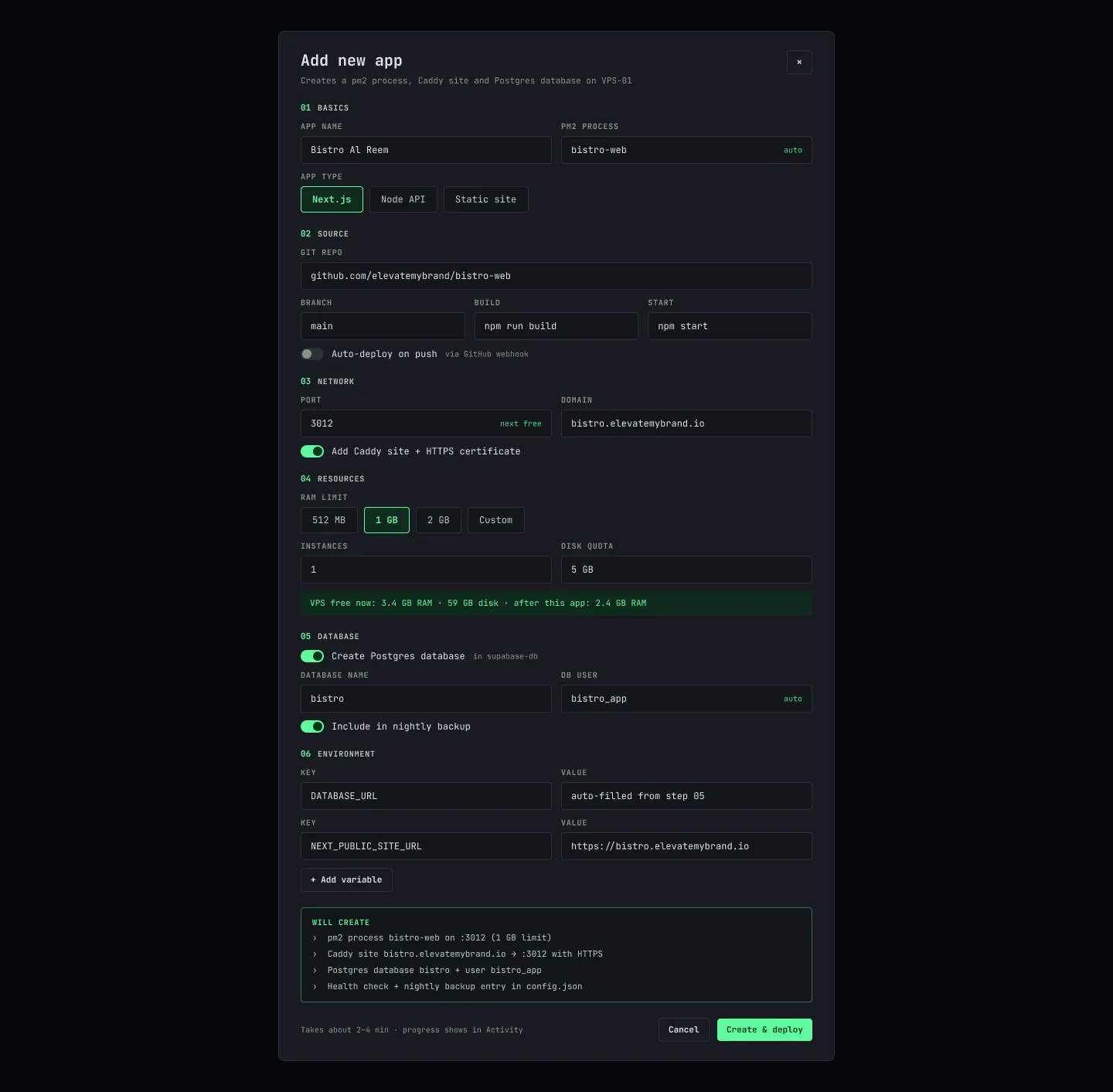
Add a new app
A guided form instead of terminal commands.
Built for one owner
A private panel for the person running the server.
03 / All screens
Every screen
ClickTap a screen to view it large. Desktop and phone frames, in the order a person meets them.
04 / How it works
From sign-in to a new app
- 01
Open the panel
Sign in to the superadmin.
- 02
See the server
An overview of the VPS and its apps.
- 03
Open an app
Check its status and details.
- 04
Add an app
Register a new app on the server.
Want one like this?
Want a control panel for your own server or apps? Tell me what you run.
Start a project