Project 10 · Golden Century Institute
Golden Century Level Tracker
Every child's level, scores and promotions in one place, and parents can see them.
01 / The problem
Levels and exam scores live on paper and in Excel.
Parents ask "what level is my child?" on WhatsApp, and staff look it up by hand every time.
02 / How it helps
Progress everyone can see.
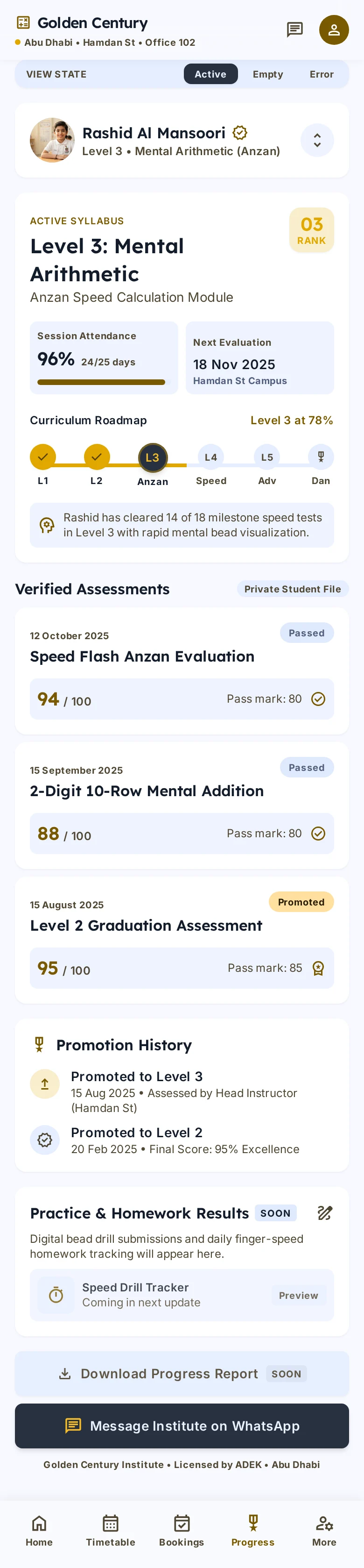
A clear level path
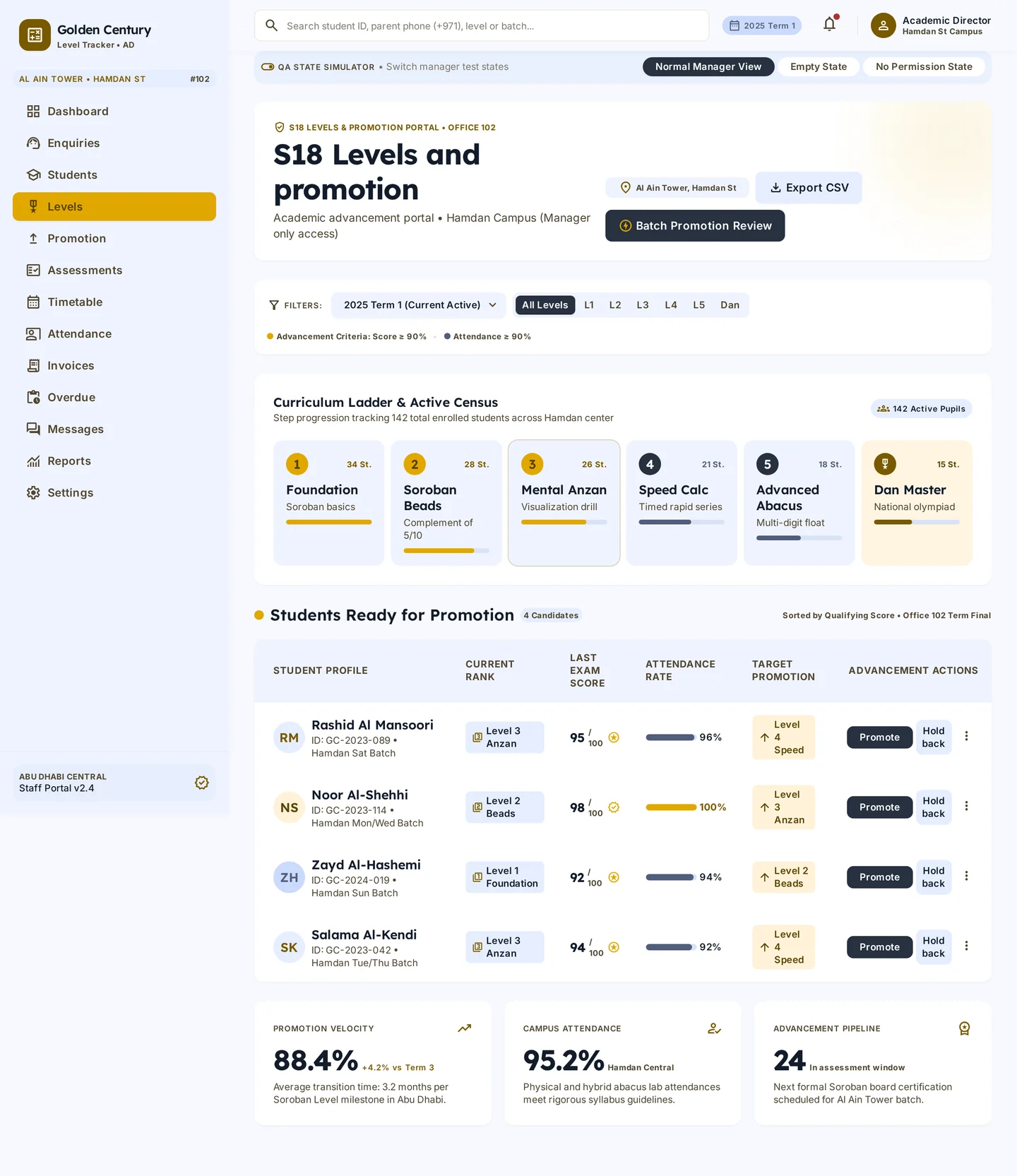
Every level with its student count, from the first to the last.
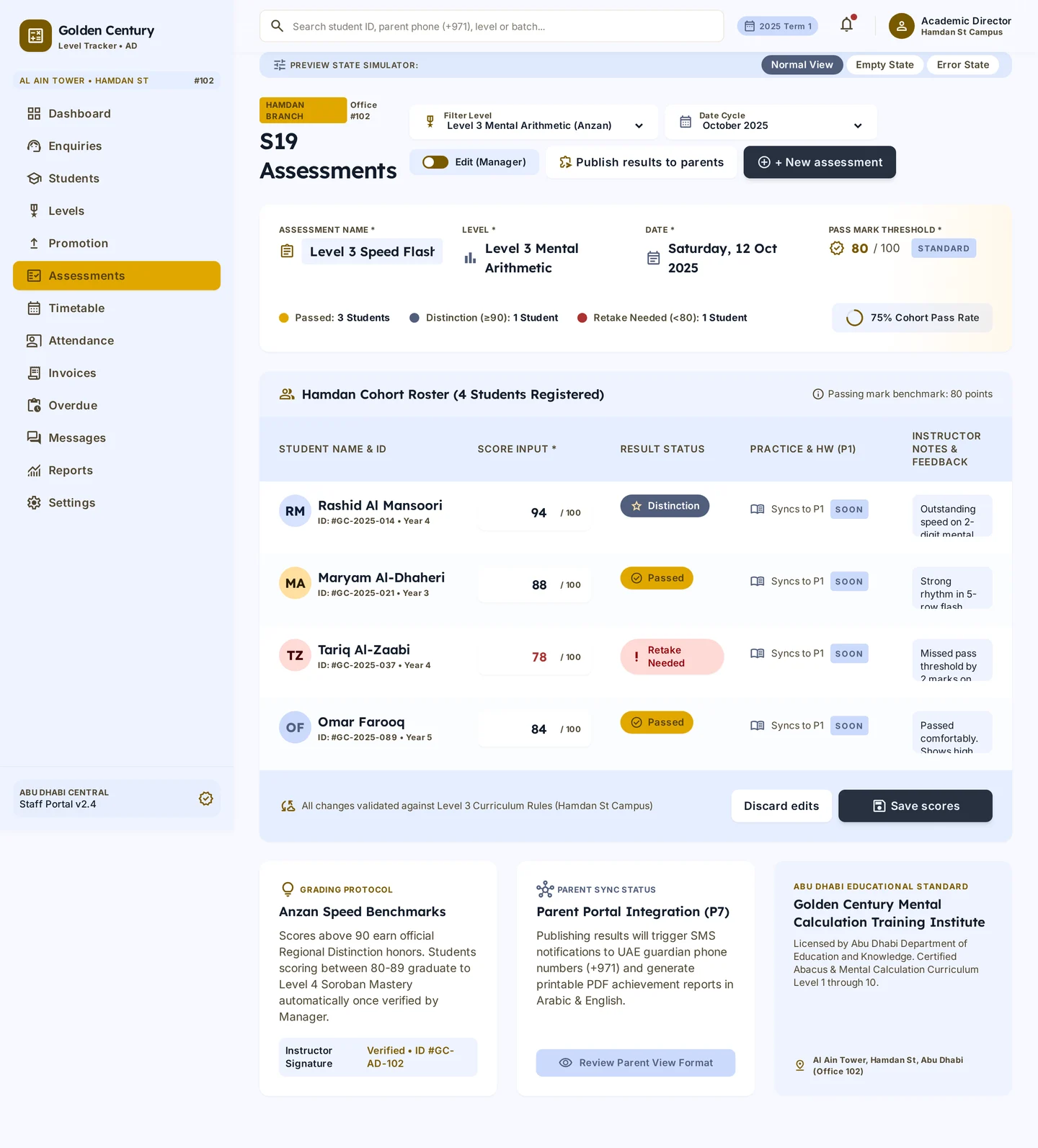
Assessments with pass marks
Enter scores once and see who passed straight away.
Ready to move up
A promotion list shows which children are ready for the next level.
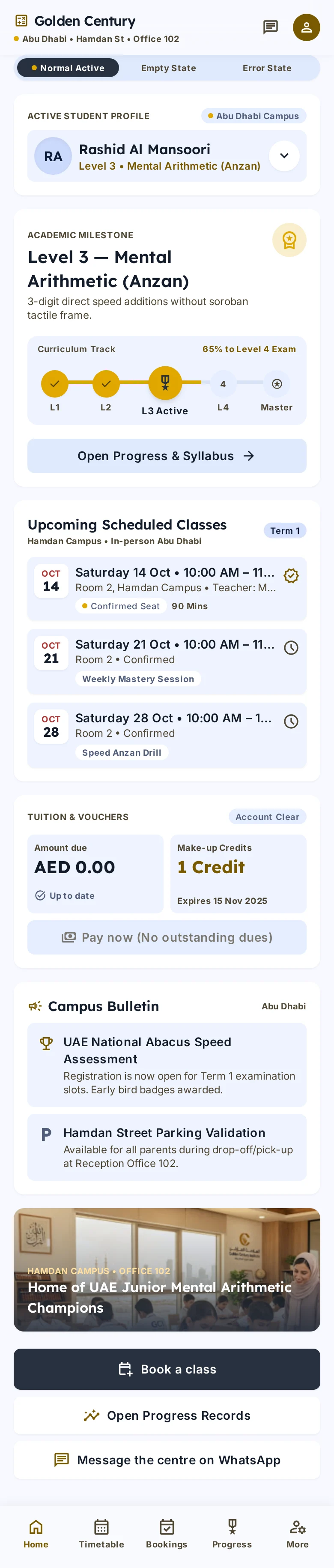
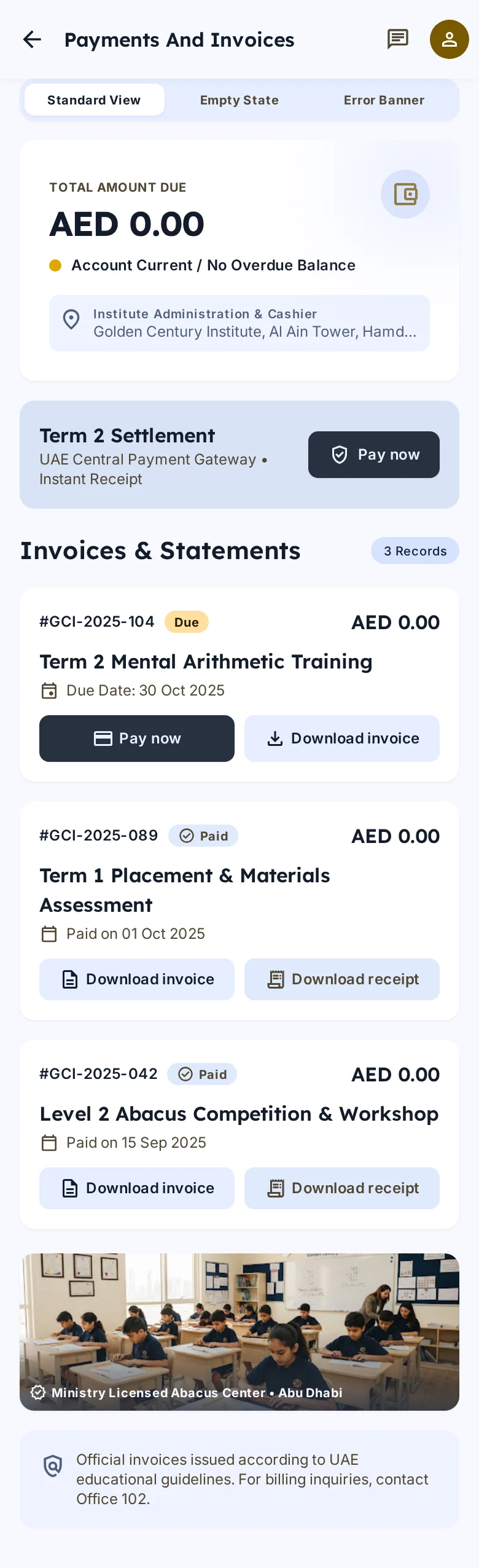
Parents see progress
Level, scores and attendance on the parent's phone.
03 / All screens
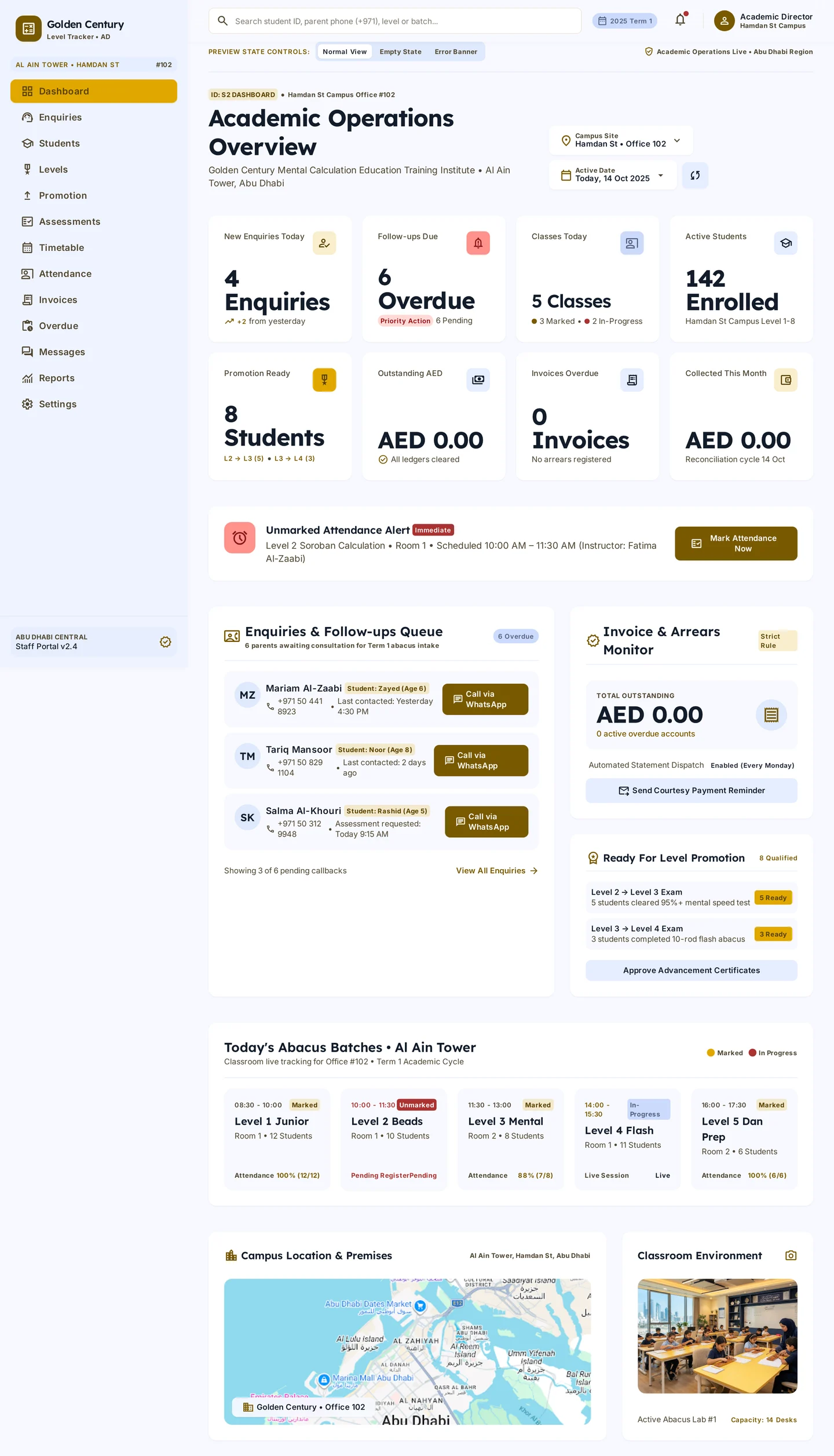
Every screen
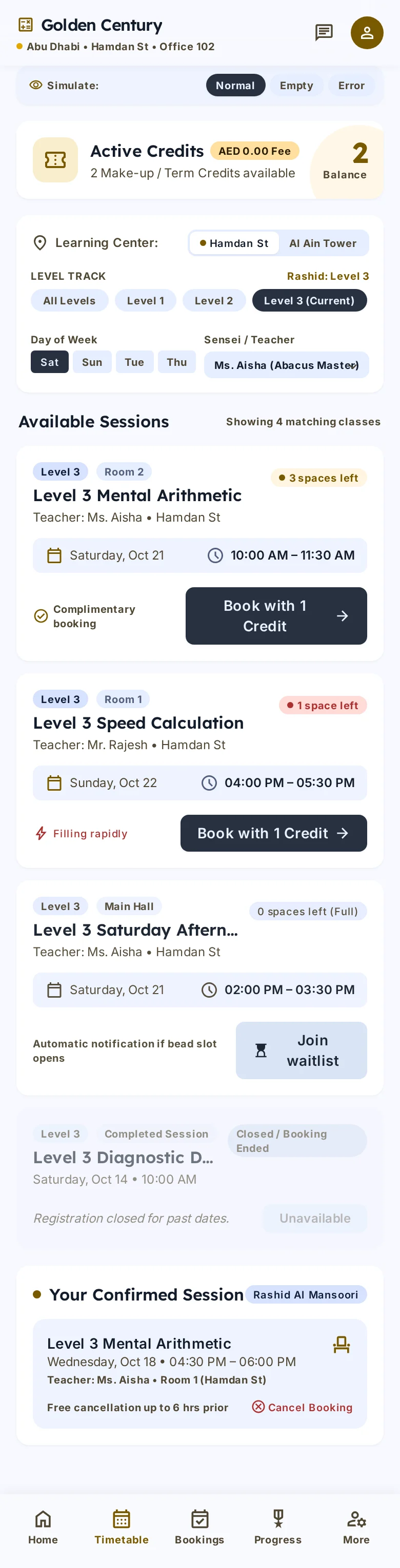
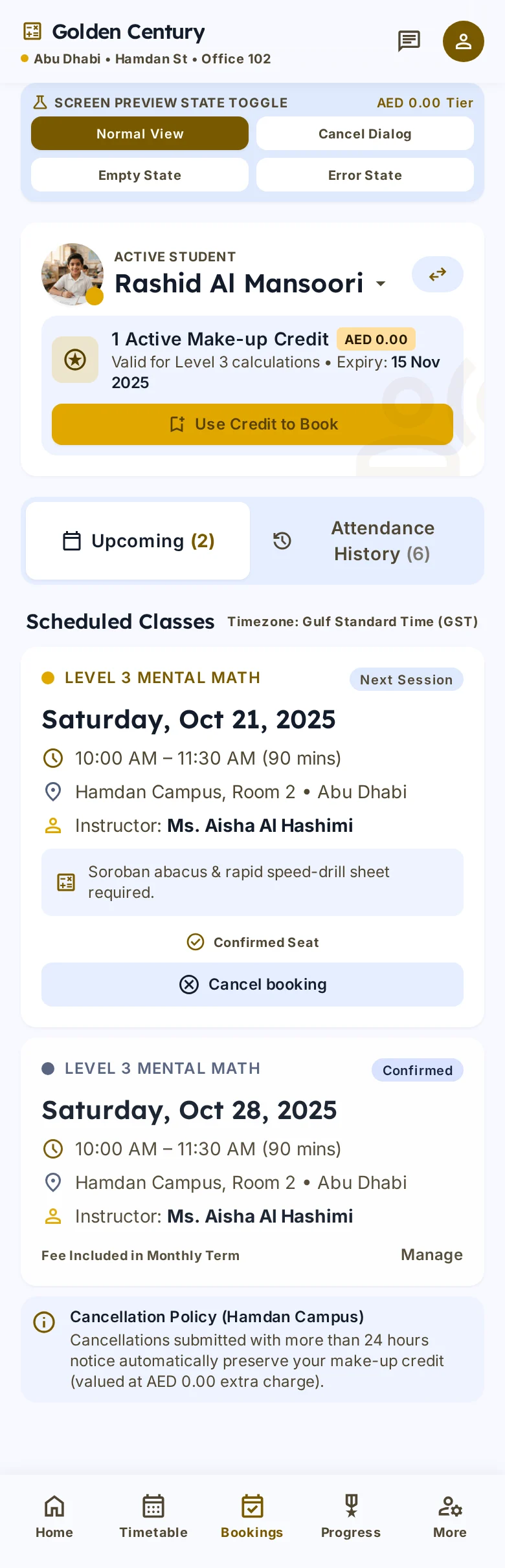
ClickTap a screen to view it large. Desktop and phone frames, in the order a person meets them.
04 / How it works
From enquiry to paid
- 01
Enquiry
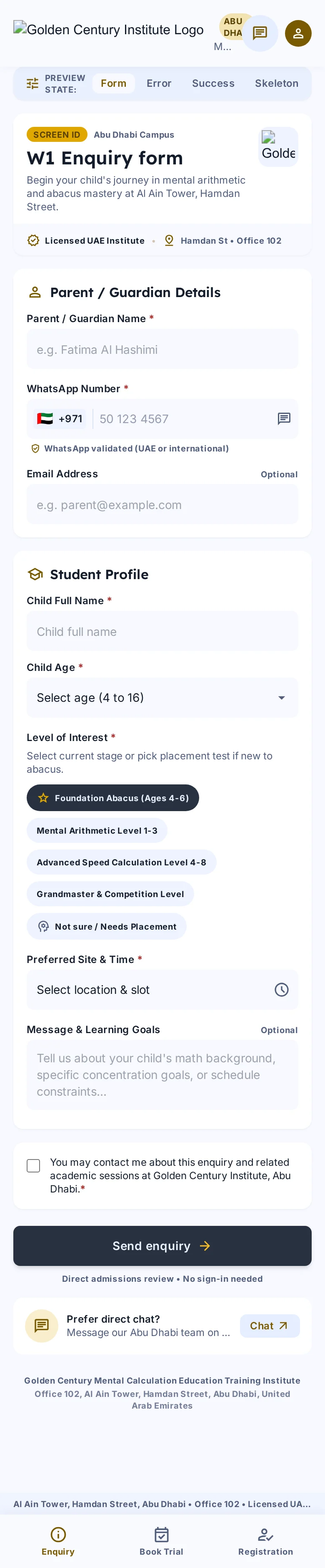
A parent asks about classes and gets a reply on WhatsApp.
- 02
Trial
The child joins a trial class and starts at the right level.
- 03
Registration
The child is registered and placed in a batch.
- 04
Paid
Invoices and reminders go out, and progress shows in the parent portal.